Scheduling Your Course on Multiple Dates
While creating a course, you can set it up across multiple dates. This gives you the flexibility to adjust when the course is available, helping you better fit your participants’ schedules and your own.
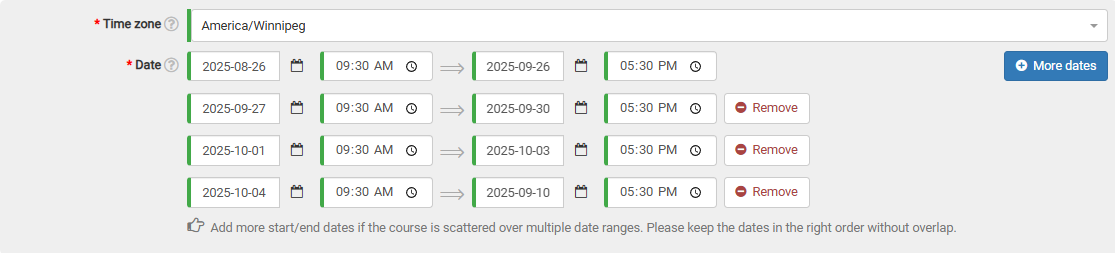
In the date section of the course form, click the “More dates” button. A new line for picking dates will appear, so you can add more sessions.

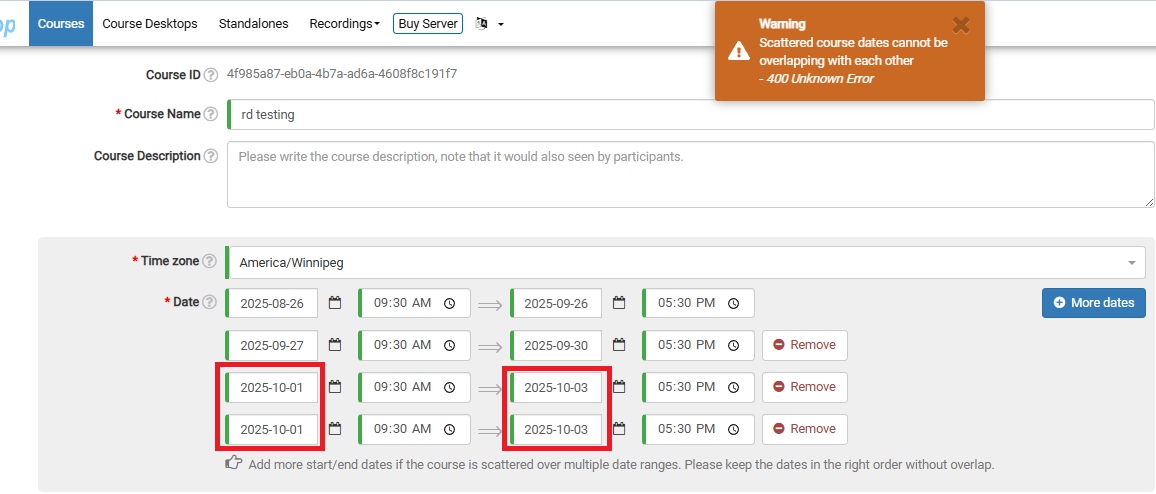
You can include as many date ranges as you like, but make sure they don’t overlap.
If they do, you’ll see a warning at the top of the page when you try to submit the course. The example below shows what happens when two identical date ranges are selected by mistake.