Account Deletion
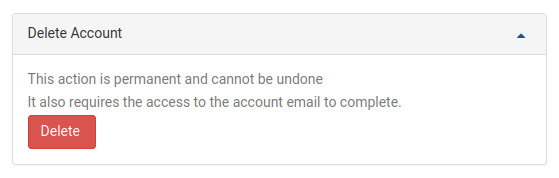
To delete your DaDesktop user account, go to the My Account page. Right at the bottom of the page, you'll see the account deletion option. Just click the Delete button to get started.
Once you've clicked Delete, you'll be prompted to enter your DaDesktop account password to confirm the request. The system will then send a confirmation link to the email address you signed up with. Open that email and click the link to finish deleting your account.