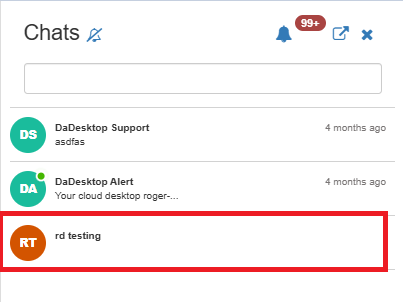
Course Chat
Course Chat is a feature within the training room here in Canada that helps trainers, participants, and support members communicate about the ongoing course.
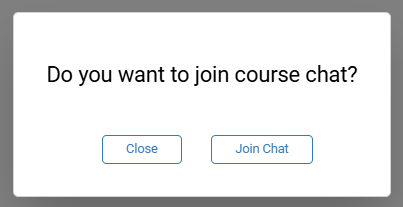
To enrol in the course chat, simply enter the training room. Once inside, you'll be prompted to join the chat.
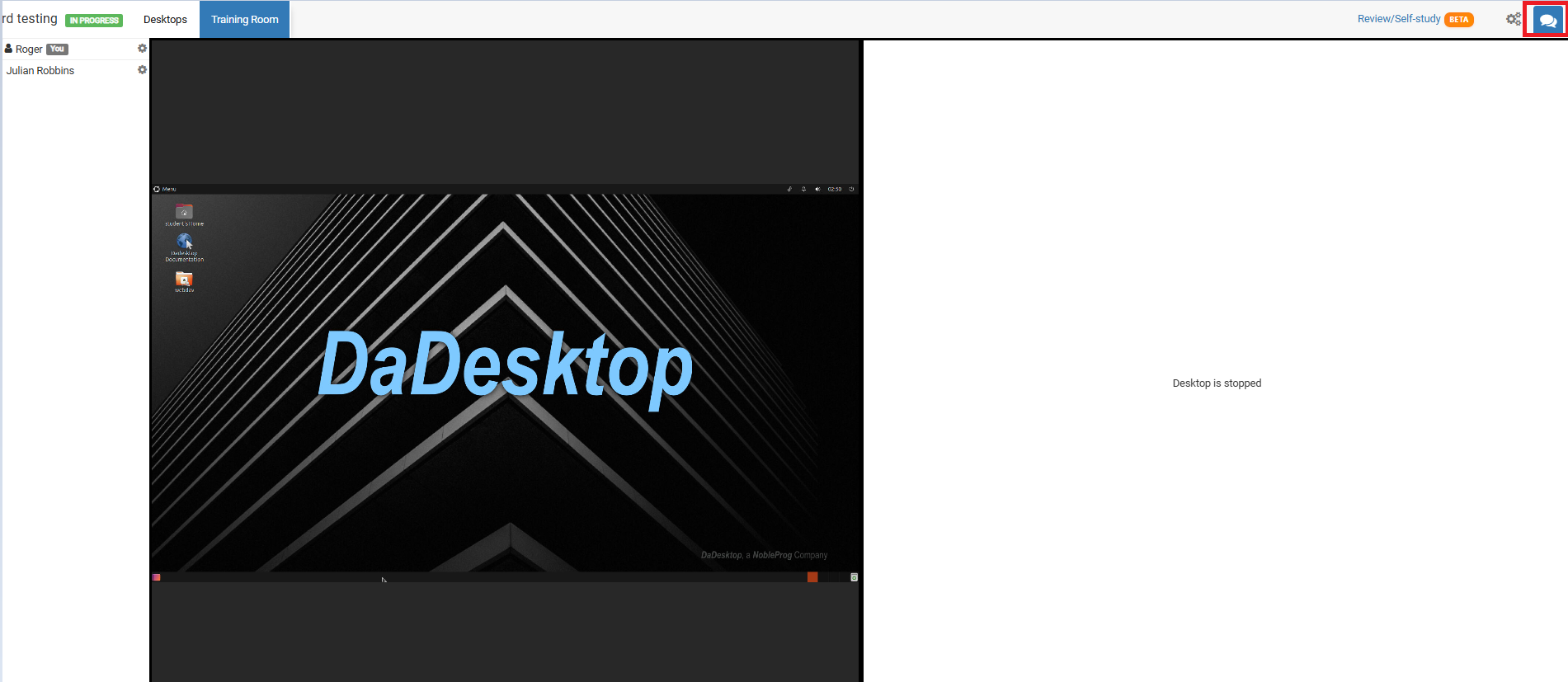
To access it at any other time, just click the chat icon in the top right corner of the training room.
Once you click it, the chat interface opens on the left side and you'll see your course listed there. You can turn on notifications (at the top of the chat interface) to hear a sound whenever a new message is added to the course chat.