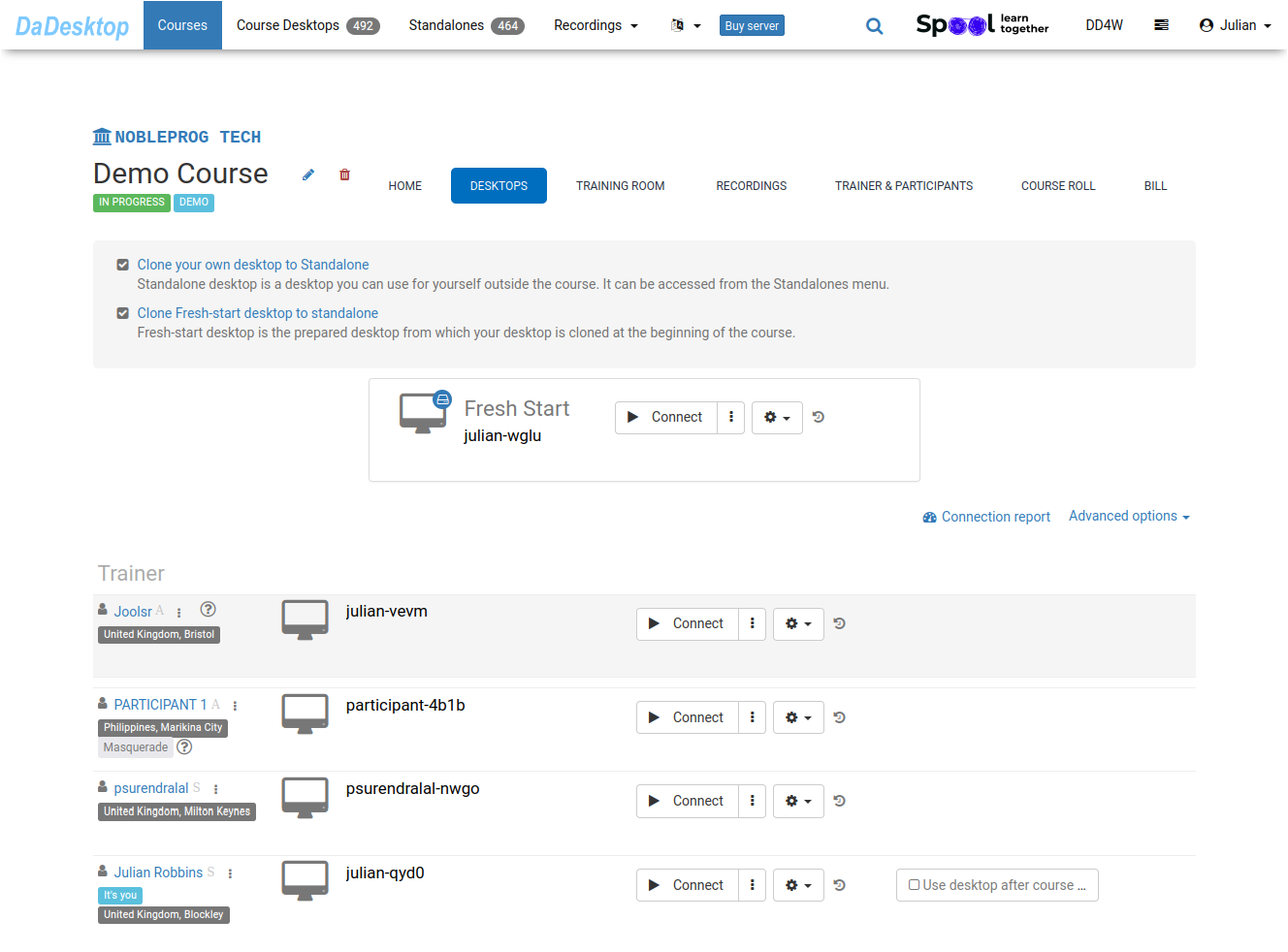
Review course participants
-
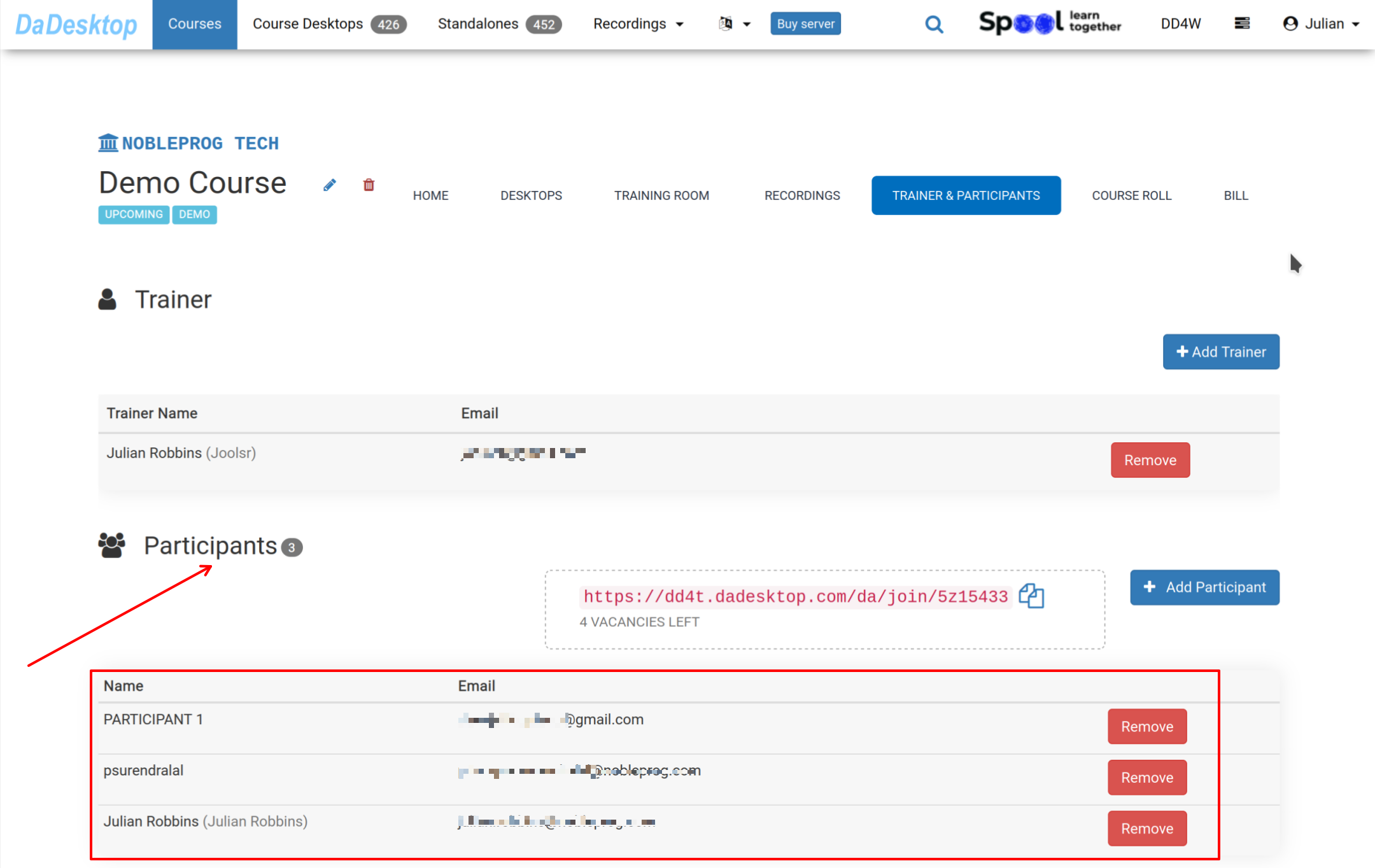
Head to the Course and select "Trainer & Participants" to confirm whether all participants have joined the course before the training begins.
-
Desktops are cloned automatically from "Fresh-Start" to all participants as they enter the "Training Room"
Keep in mind a few extra steps happen automatically when cloning the machines; we've streamlined this guide by omitting those details for simplicity
-