What's the difference between a Fresh-Start, Trainer, Participant, and Standalone machine?
DaDesktop is a robust training platform built to deliver cloud-based desktops for courses, along with straightforward admin tools that let you manage those machines with ease.
To pull this off, DaDesktop relies on a few related but distinct desktop machine types that support different roles throughout a course.
Here’s a breakdown of the various machine types and how they’re used.
Fresh-Start Machine
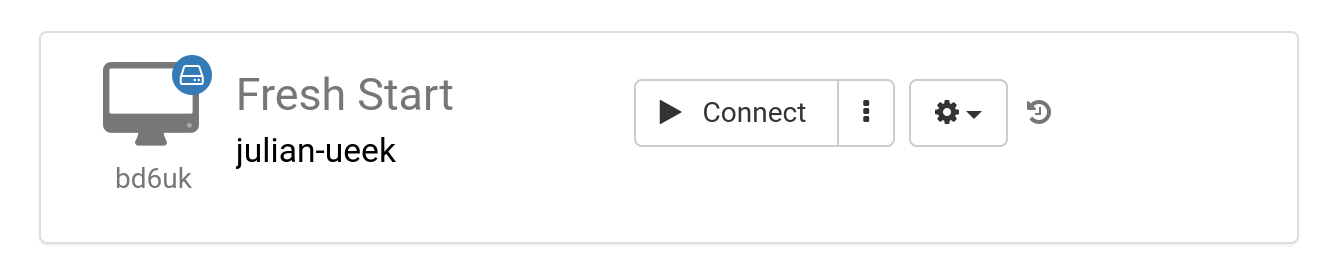
A 'Fresh-Start' is the machine on DaDesktop where the trainer builds and refines their course materials. Once it’s all set, this Fresh-Start gets copied to every participant’s desktop and is ready to go for the training. You can think of it as a 'Golden Image'—if anything goes sideways on the trainer’s or participants’ machines, you can always roll back to this clean version.
Trainer Machine
A 'Trainer' machine is what the instructor uses to present the course content to participants during the session. Unlike the Fresh-Start, this machine’s state will evolve as software applications and libraries tied to the subject get installed, configured, and run by the trainer(s) throughout the course.
If there are multiple trainers leading together, each will have their own trainer machine.

Participant Machine
A 'Participant' machine is given to each learner during the course so they can install, configure, and work through exercises under the trainer’s guidance.

Typically, Fresh-Start, Trainer, and Participant machines are cleaned up and automatically removed a short while after the course wraps up. That’s why there’s one more type available—something not tethered to a course—that you can keep for as long as you need: a 'Standalone'.
Standalone Machine
A 'Standalone' machine exists on its own, outside the context of a particular course. It 'stands alone' as an independent machine you can use before a course starts or well after it finishes—or simply on its own without being tied to any course at all. This flexibility is what makes the Standalone especially handy.

Some common reasons for spinning up Standalone desktops include:
- Putting together training materials that can be reused repeatedly outside of an active course, or kept on hand for use whenever needed.
- When you want a flexible machine—maybe running a different operating system like Linux or Windows—to test ideas in a safe, isolated environment.