Getting your Standalone set up
-
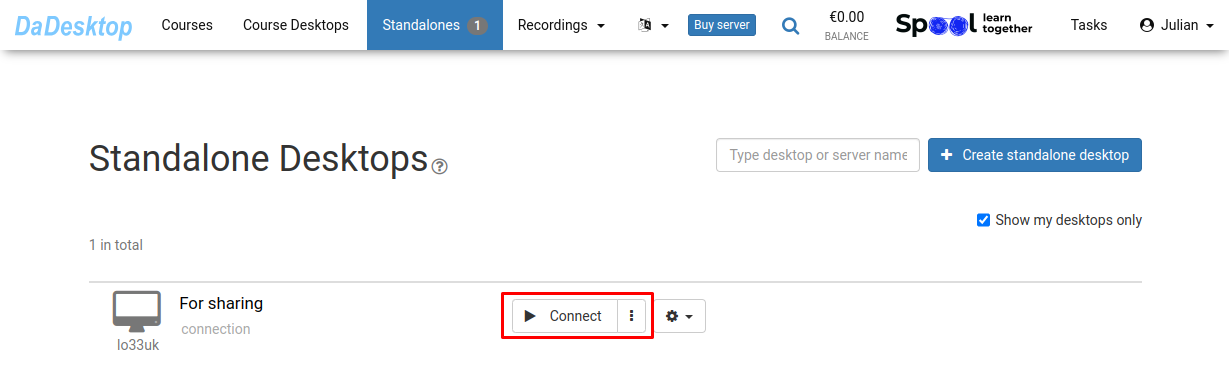
Click on "Connect"
-
Configure your Standalone environment (including software setup, course content, and supplementary tools)
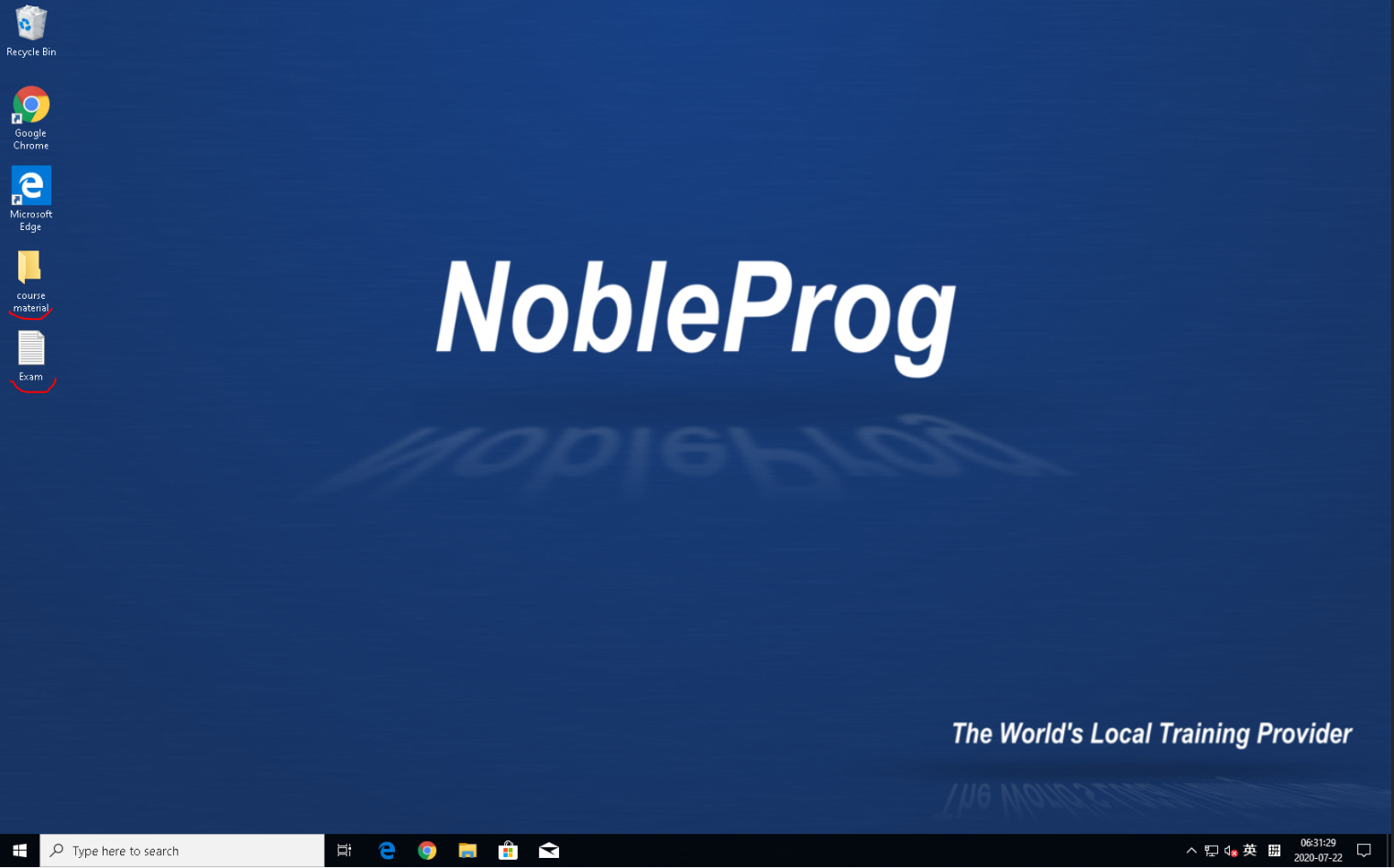
- We offer a browser-based virtual desktop, DaDesktop, which lets you handle all your course preparation as if you were working on your own laptop
- You only need to get the course desktop ready once—hitting "Clone to participants" will give everyone the same setup