Screen Recording
Screen recording lets you record and play back all the actions carried out on the machine.
Starting a recording
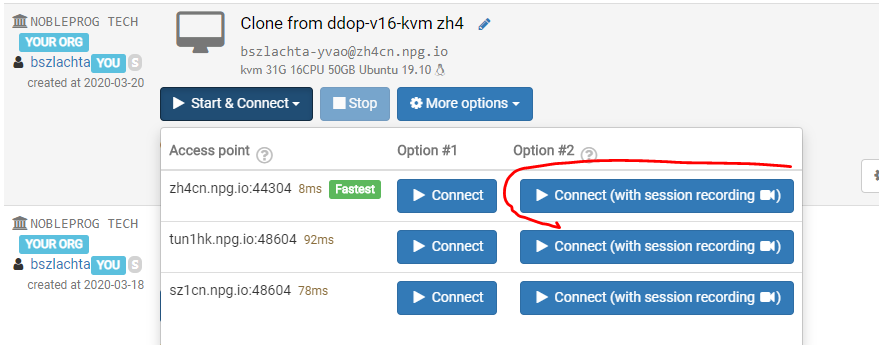
To start recording, click Start&Connect, then Connect (with session recording).
To stop recording, just close the window.
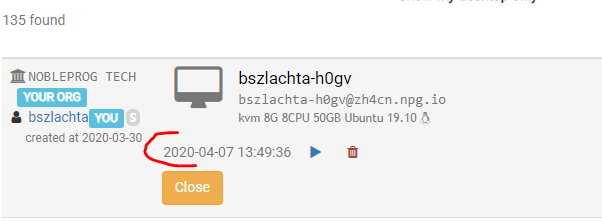
Viewing recordings for a single machine
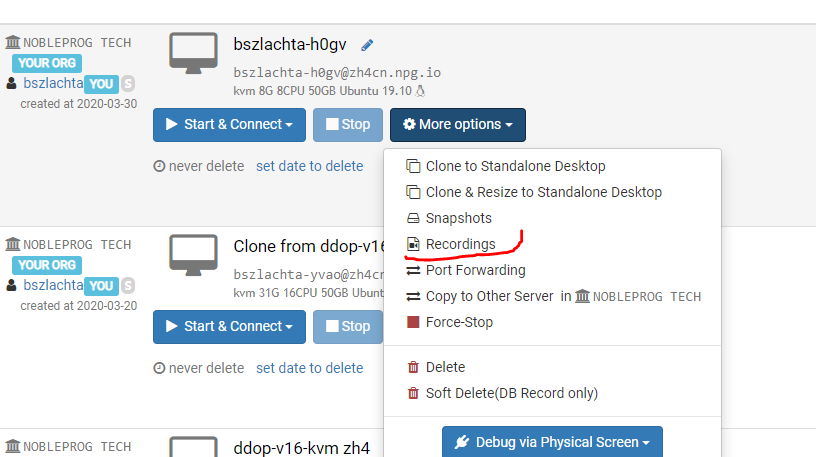
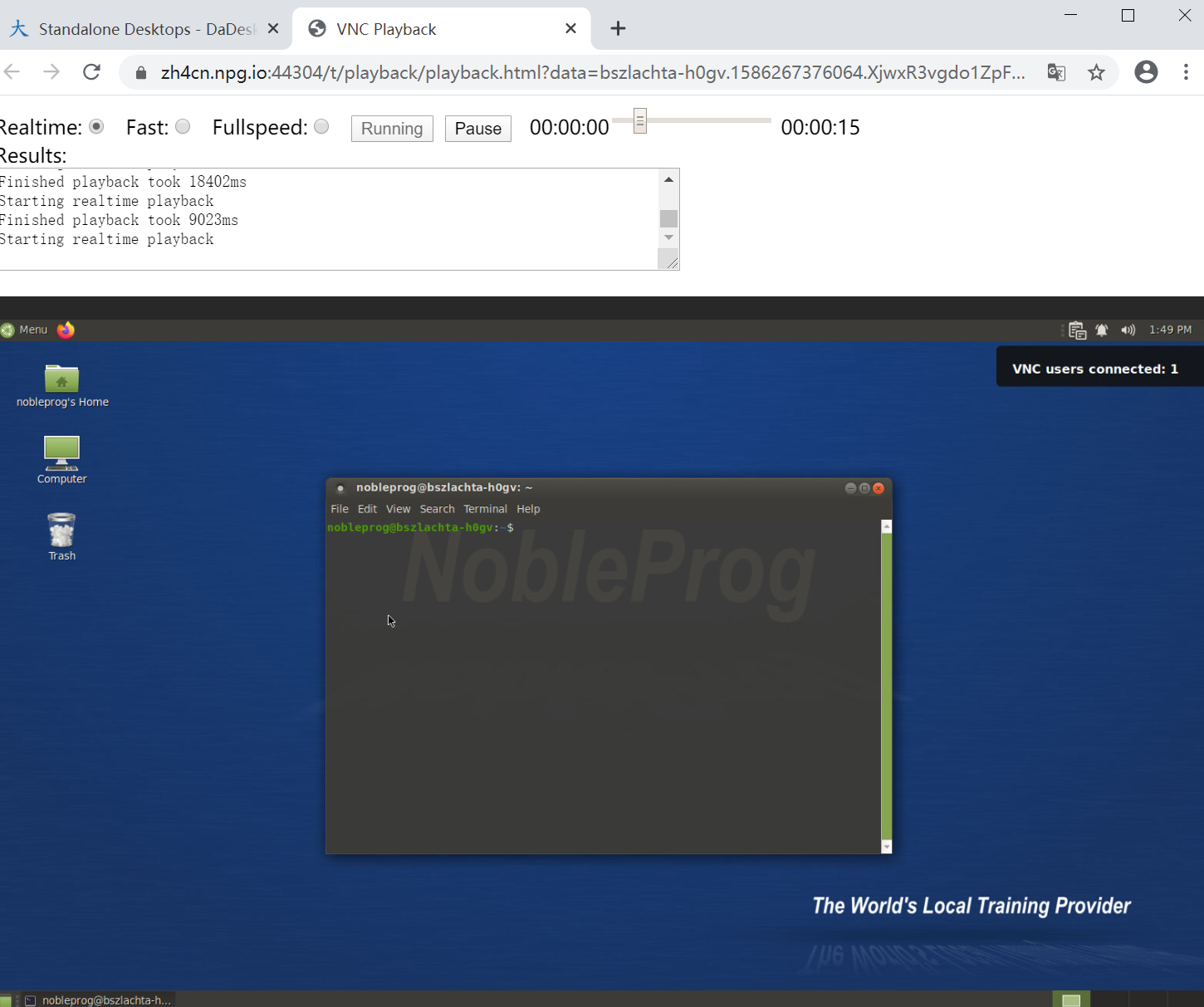
Playing back a recording